Guest Upload
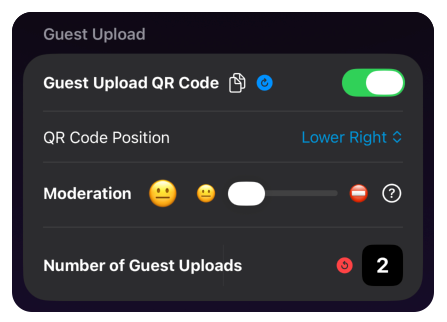
Optionally add a QR Code to ANY set of images to allow anyone looking at the TV to upload their own images instantly! This feature includes basic AI moderation to make sure the images are appropriate for your audience.


All you need is your iPhone/iPad and an Apple TV set top box. Start building for free and watch your TV come alive with your own photos, dashboards, calendars, news and more!

1Glance is an app for iPhone, iPad, and Apple TV that turns a television into a custom information screen — for home, business, or school.
You design screens on your iPhone or iPad using widgets: photos, messages, weather, news, menus, calendars, and more. Each screen can have its own background, layout, and overlays like a logo or QR code.
Then you present that screen on an Apple TV — or from an iPad using Screen Sharing. Build it once, show it on any number of TVs, and edits on your phone appear instantly.
Optionally add a QR Code to ANY set of images to allow anyone looking at the TV to upload their own images instantly! This feature includes basic AI moderation to make sure the images are appropriate for your audience.
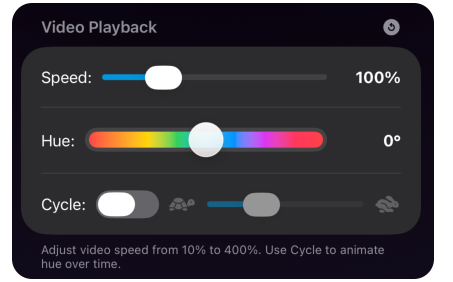
Choose from over 50 Video Backgrounds to really bring your content to life! You also have the option to change the background’s hue and speed.
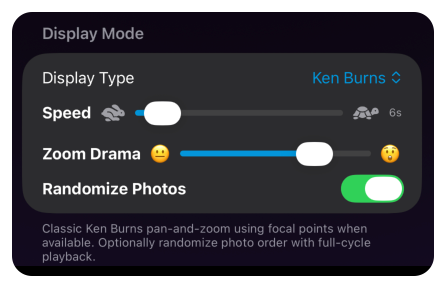
We’ve added several New Animated Slideshow options! Including Ken Burns, Polaroid Drift, Stack Shuffle and more!
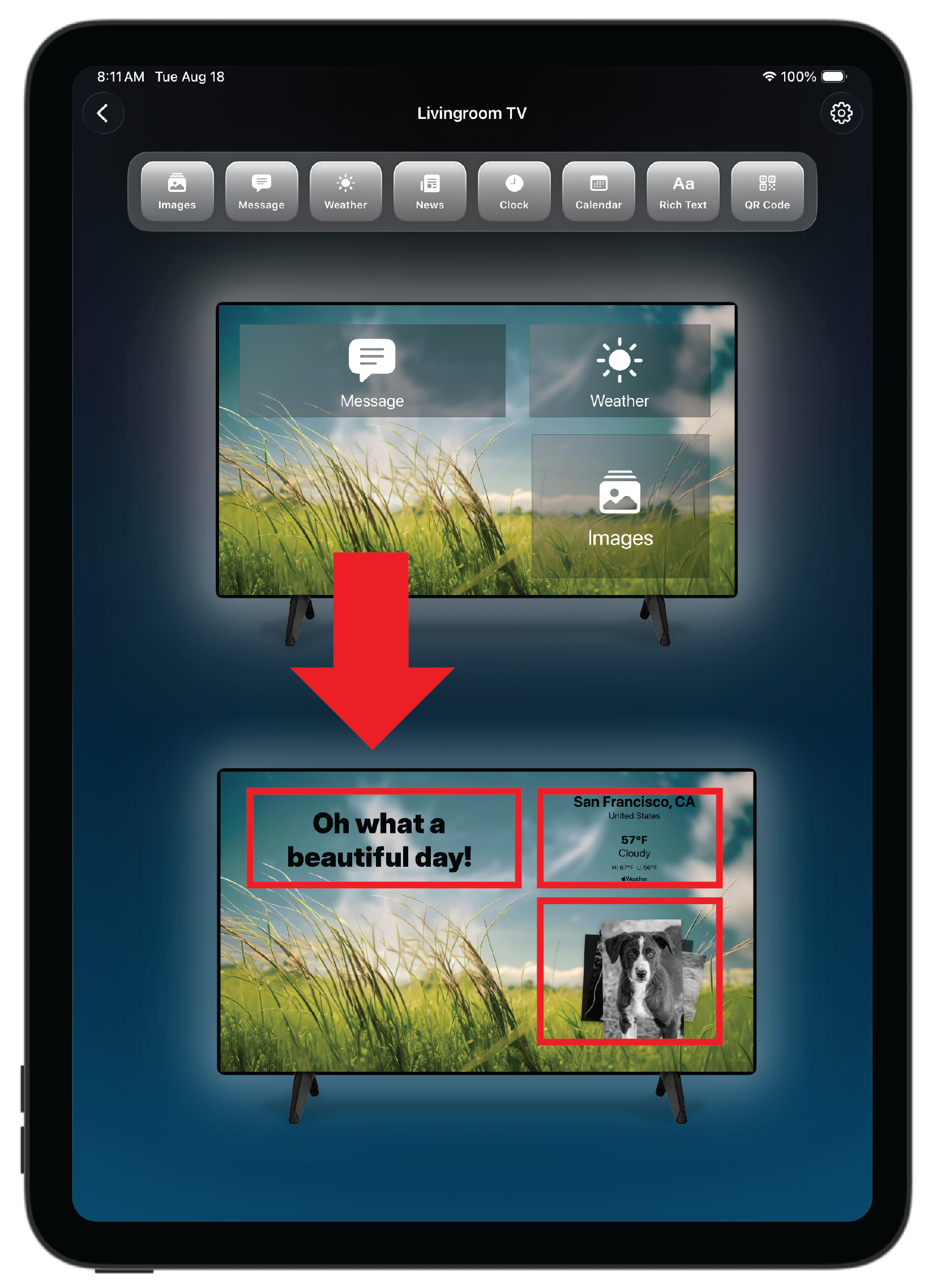
Start with a template of widgets and just add content. Choose from Images, Text, Weather, News, and more! There are over 15 types of widgets.
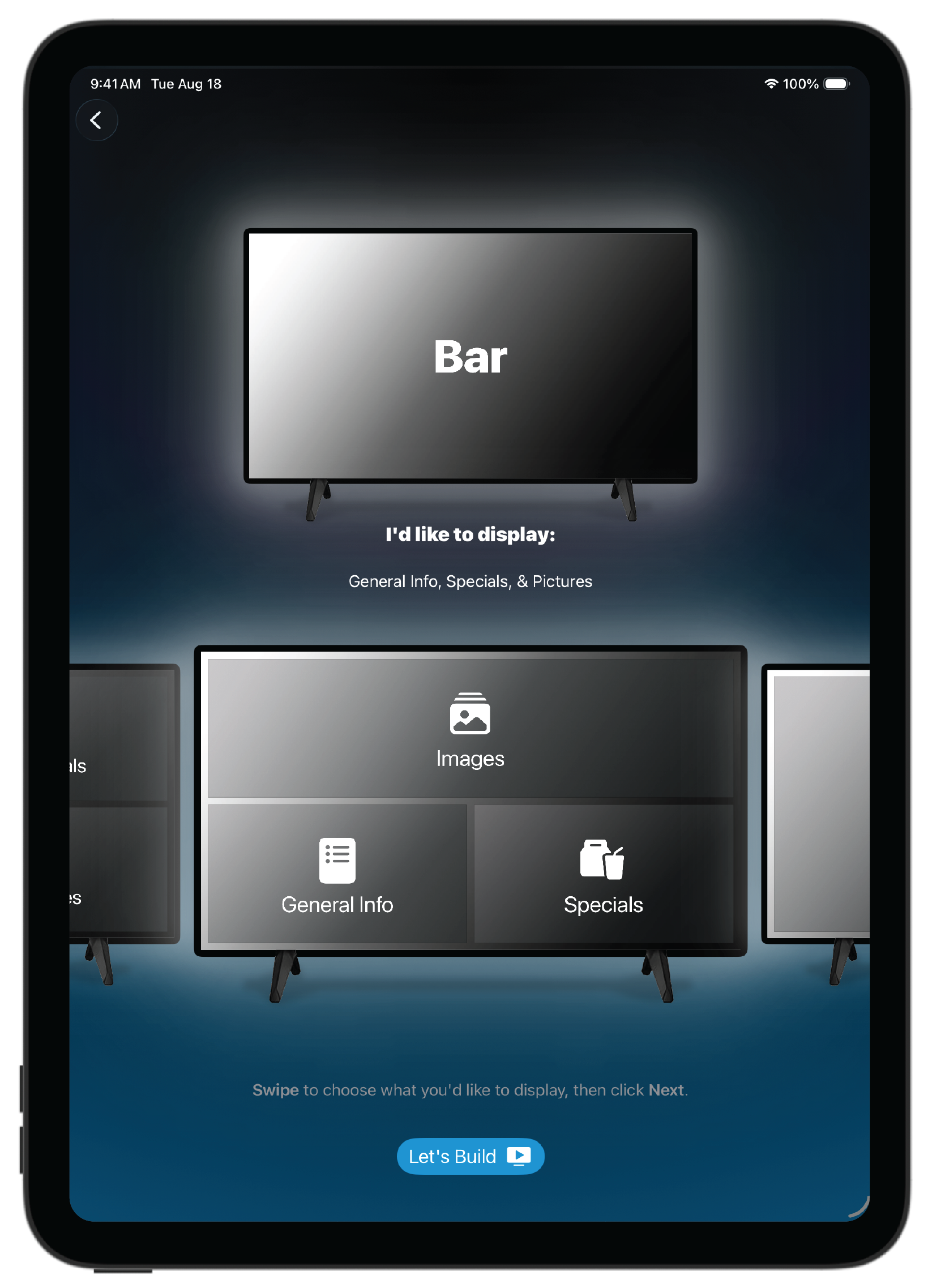
Once you have your template you simply choose what content you’d like in each widget. The layout is automatic.
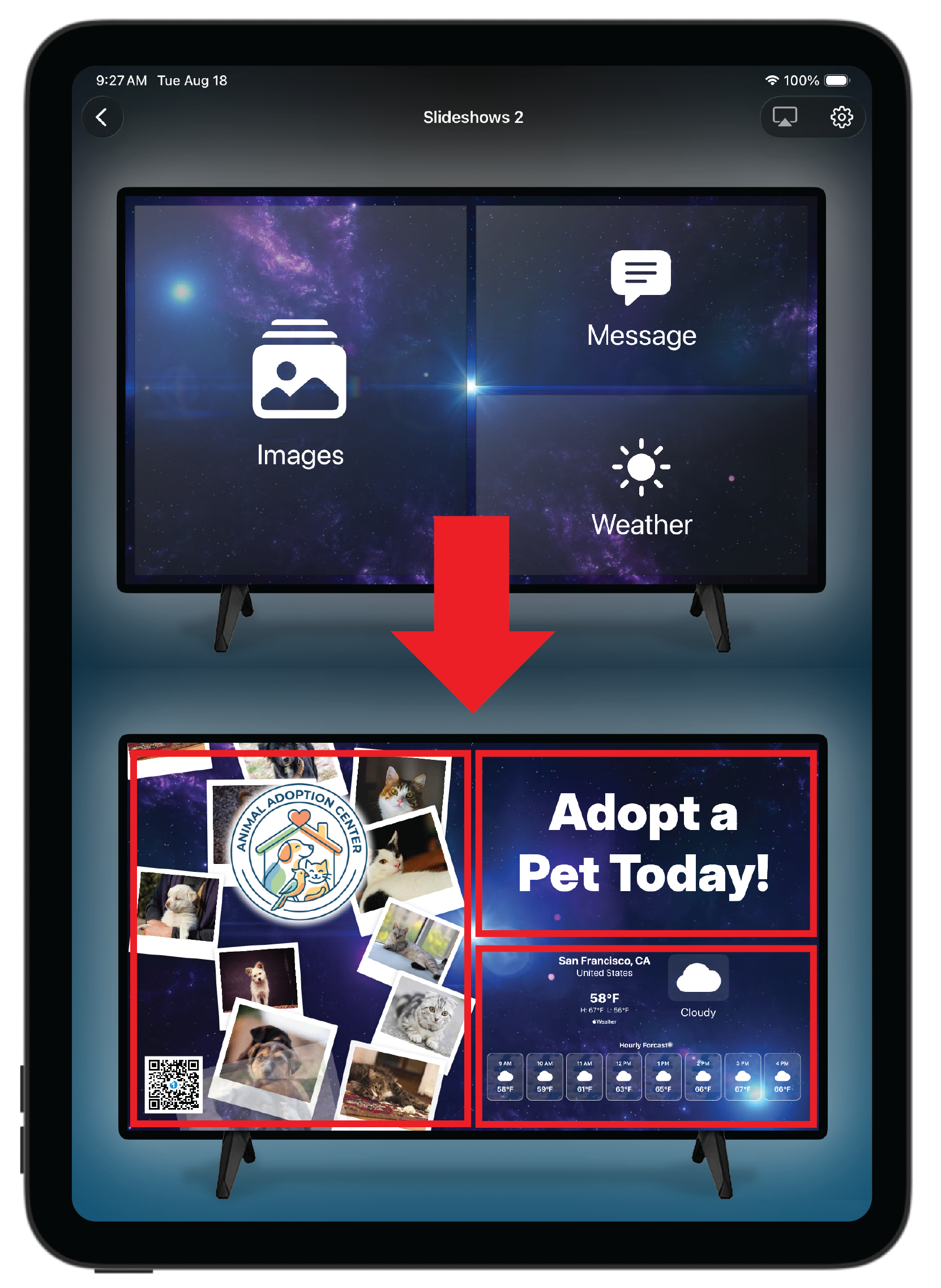
You also have the option of just dropping widgets directly onto the screen and putting them exactly where you’d like them to go.
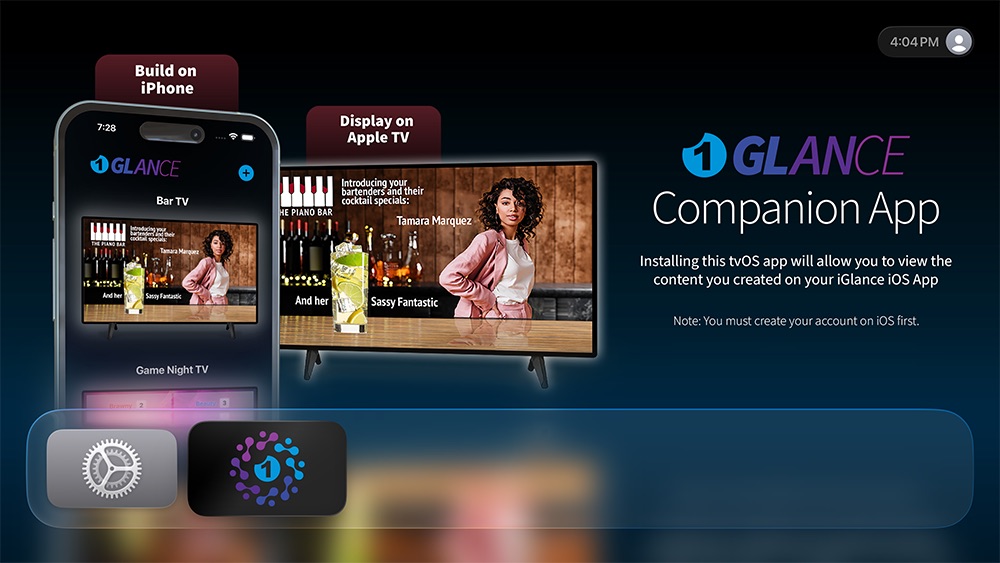
Install 1Glance on your Apple TV.
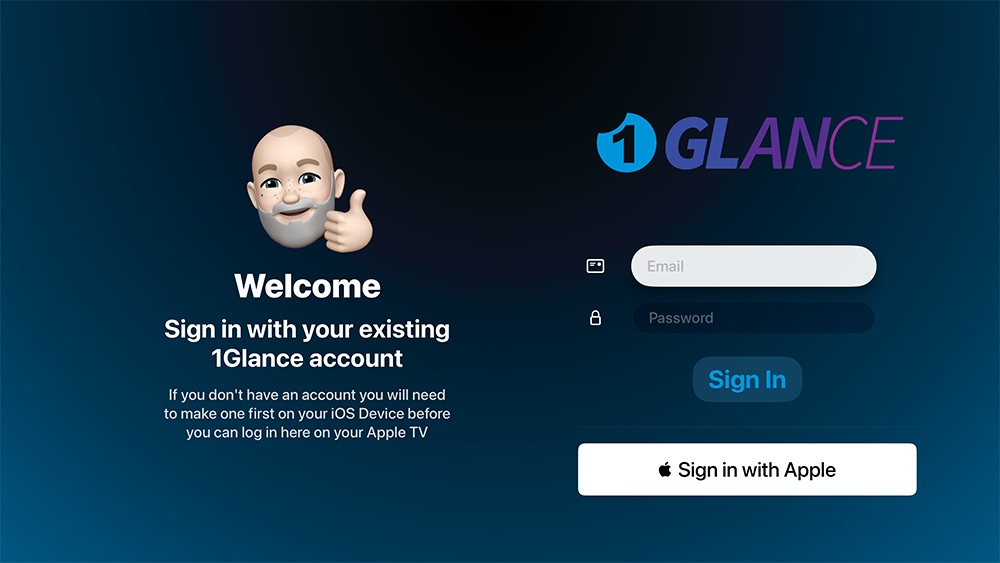
Pair with your Account
Scroll to find your Screen.
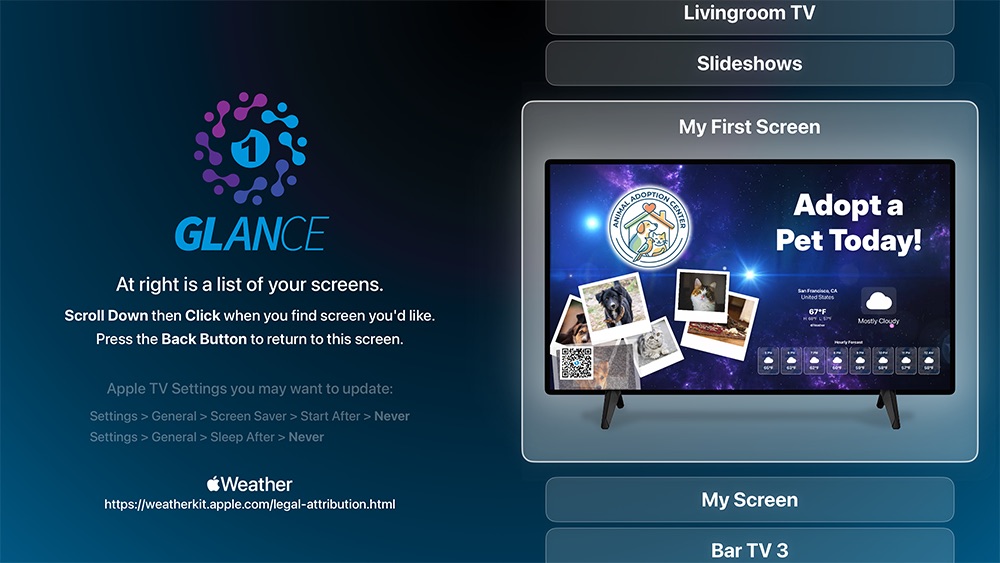
Click to present on your TV.
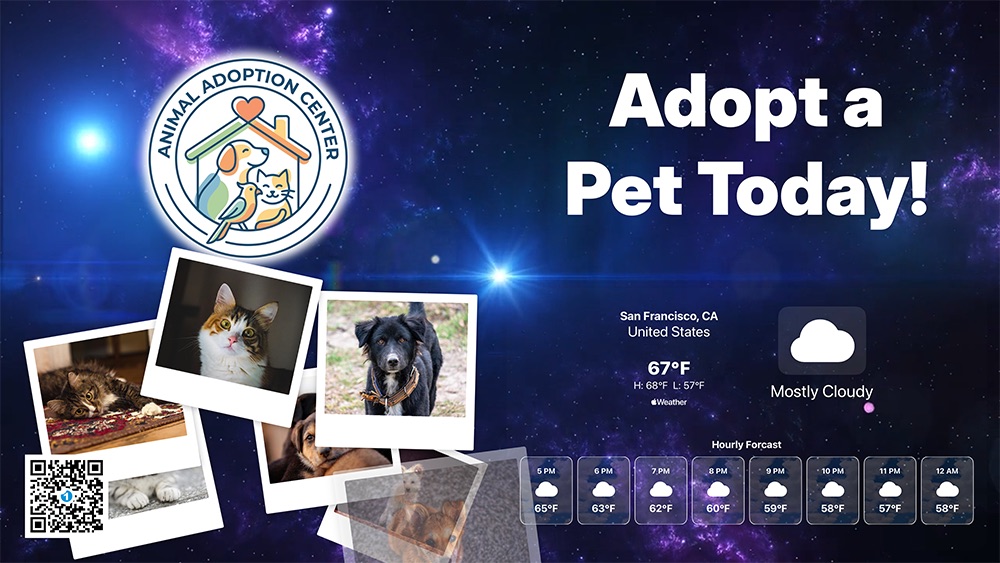
Edits made on your iOS device are instantly reflected on your TV Screen!
All of these screens were built in the 1Glance app.

$0
$2.99/month
$9.99/month
Plus and Pro are shared with other 1Glance apps on the same account. Screen limits apply separately in each app.
No. An Apple TV is the best way to display your screens, but you can also present from an iPad using Screen Sharing.
Yes. The iOS app works on both iPhone and iPad.
Yes. Start from a room template, browse the full catalog, or build your own on a freeform canvas (currently in Beta) — drag widgets and place them yourself.